
 Image 1 of 1
If Canva has ever felt overwhelming, you’re not alone. From endless tools to hidden features, it’s easy to waste hours clicking around instead of creating designs that actually look professional.
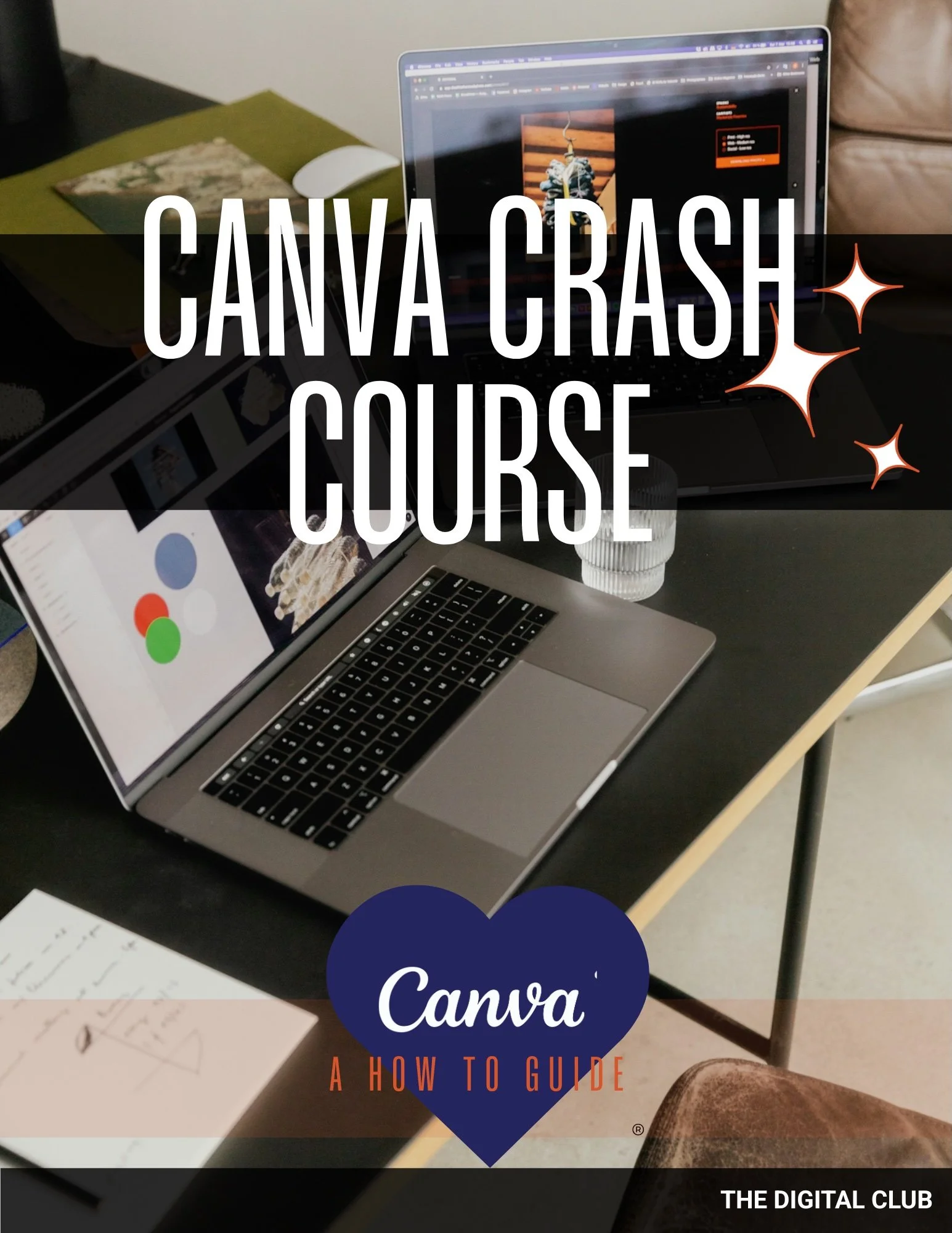
The Canva Crash Course is a beginner-friendly, step-by-step ebook created specifically for skin and aesthetics professionals who are new to Canva and want to design confidently without hiring a graphic designer or spending days figuring it out.
This 42-page guide walks you through everything you need to know, from the basics to game-changing tricks that instantly elevate your clinic’s marketing materials.
Inside, you’ll learn how to:
Master Canva’s editing basics including text, colours, shapes, and images
Customise templates with your brand fonts, colours, and logos
Use frames, grids, and transparency to create polished layouts
Navigate toolbars and unlock shortcuts to save hours of design time
Apply advanced tips like layering, gradients, and dimension for pro-level results
Understand the difference between Canva Free vs Pro (and decide if you really need Pro)
You’ll also discover bonus sections with keyboard shortcuts and practical hacks that make designing faster, easier, and more fun.
Delivery: Instant digital download sent to your email within 15 min after purchase
Best suited for: Skin professionals, clinic owners, and aesthetics teams who are new to Canva and ready to finally feel confident creating elevated treatment menus, client resources, and social media posts without the design stress.
If Canva has ever felt overwhelming, you’re not alone. From endless tools to hidden features, it’s easy to waste hours clicking around instead of creating designs that actually look professional.
The Canva Crash Course is a beginner-friendly, step-by-step ebook created specifically for skin and aesthetics professionals who are new to Canva and want to design confidently without hiring a graphic designer or spending days figuring it out.
This 42-page guide walks you through everything you need to know, from the basics to game-changing tricks that instantly elevate your clinic’s marketing materials.
Inside, you’ll learn how to:
Master Canva’s editing basics including text, colours, shapes, and images
Customise templates with your brand fonts, colours, and logos
Use frames, grids, and transparency to create polished layouts
Navigate toolbars and unlock shortcuts to save hours of design time
Apply advanced tips like layering, gradients, and dimension for pro-level results
Understand the difference between Canva Free vs Pro (and decide if you really need Pro)
You’ll also discover bonus sections with keyboard shortcuts and practical hacks that make designing faster, easier, and more fun.
Delivery: Instant digital download sent to your email within 15 min after purchase
Best suited for: Skin professionals, clinic owners, and aesthetics teams who are new to Canva and ready to finally feel confident creating elevated treatment menus, client resources, and social media posts without the design stress.